Cell size and annotation
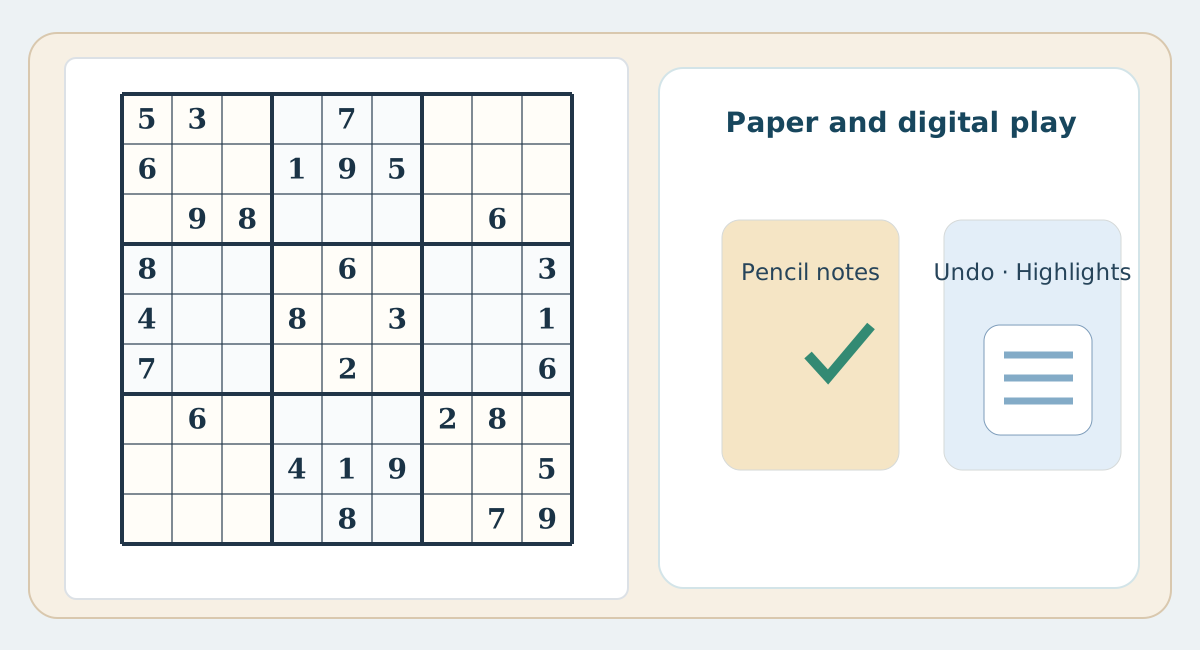
The comfort of candidate entry depends on both print size and phone screen size. A well-sized A4 worksheet usually offers ample room for pencil marks, while a smaller phone screen relies on tapping and switching between entries and notes.
Corrections and undo
Paper calls for an eraser and a documented reason to correct a mistake. Depending on the app, phones may offer undo, peer highlights or mistake warnings. These conveniences help, but repeatedly testing guesses against an error indicator is not the same as logical deduction.
Focus and offline use
A printed grid works without a network or screen notifications. A phone app may also work offline if designed to do so, so paper is not the only offline option. Choose the environment that helps you follow your deductions carefully.
A practical choice
Try the same puzzle on paper and phone, with optional digital hints disabled if you want a fair comparison. Compare note clarity, mistakes and your ability to explain moves rather than timing alone.
Practical comparison table
| Aspect | Paper | Phone / web |
|---|---|---|
| Candidates | Pencil and eraser | Note mode, sometimes automated |
| Undo | Erase and check reasoning | Undo button if available |
| Peers | Trace row, column and box | May highlight peers |
| Errors | Check manually | Alerts vary by settings |
| Offline | No connection required | May work offline depending on app |
| Reasoning | Margin notes in pencil | Digital notes |
| Printing | A spacious paper worksheet | Requires print-friendly layout |