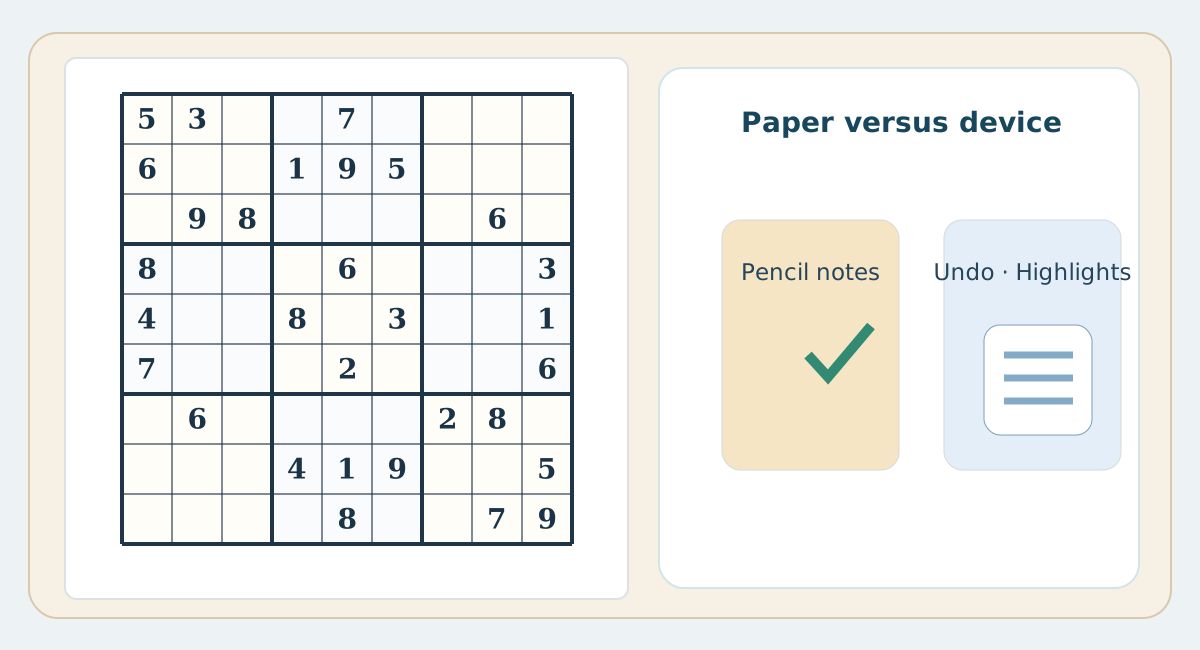
The rules stay identical; the tools do not
The logic of Sudoku is medium-independent: a legal digit must satisfy its row, column and box. On paper you maintain candidates, correct mistakes and track relevant cells manually. A digital interface may offer a notes mode, peer highlighting, undo or error detection, but availability and behaviour vary by app and settings. The tools can reduce clerical work; they cannot replace a valid logical explanation.
Pencil notes versus note mode
On a printed puzzle, every candidate must be written, reviewed and erased deliberately. This makes errors in note maintenance visible, but it can slow a complex puzzle. On a device, note entry and deletion can be quicker. Automatic note filling, when present, may conceal the initial work of determining candidates; practising manually first can reveal gaps in understanding.
Undo, highlighting and mistake handling
Undo is convenient on screen; on paper you need a clean eraser and a record of your last deduction. A digital highlight can instantly connect a chosen cell to its row, column and box; on paper you use a finger, ruler or light pencil outline. Instant error indicators are optional in many apps and can teach carelessness if you guess repeatedly; turning them off can create a closer paper-like challenge.
Which method should you choose?
Choose paper for quiet offline practice and deliberate candidate tracking; choose phone or web when you want many puzzles, portable play or convenient tools. Neither medium guarantees better concentration for everyone. Try the same difficulty with and without aids, and judge your own quality of explanations, error rate and enjoyment—not only the timer.
Compare fairly
Try puzzles at the same difficulty on paper and on a device, disabling instant checking and hints for a fair comparison if possible. Compare how many moves you can explain, your errors and candidate clarity, not simply your finishing time.
Practical comparison table
| Aspect | Paper | Phone / web |
|---|---|---|
| Candidates | Pencil and eraser | Note mode, sometimes automated |
| Undo | Erase and check reasoning | Undo button if available |
| Peers | Trace row, column and box | May highlight peers |
| Errors | Check manually | Alerts vary by settings |
| Offline | No connection required | May work offline depending on app |
| Reasoning | Margin notes in pencil | Digital notes |
| Printing | A spacious paper worksheet | Requires print-friendly layout |