Before starting
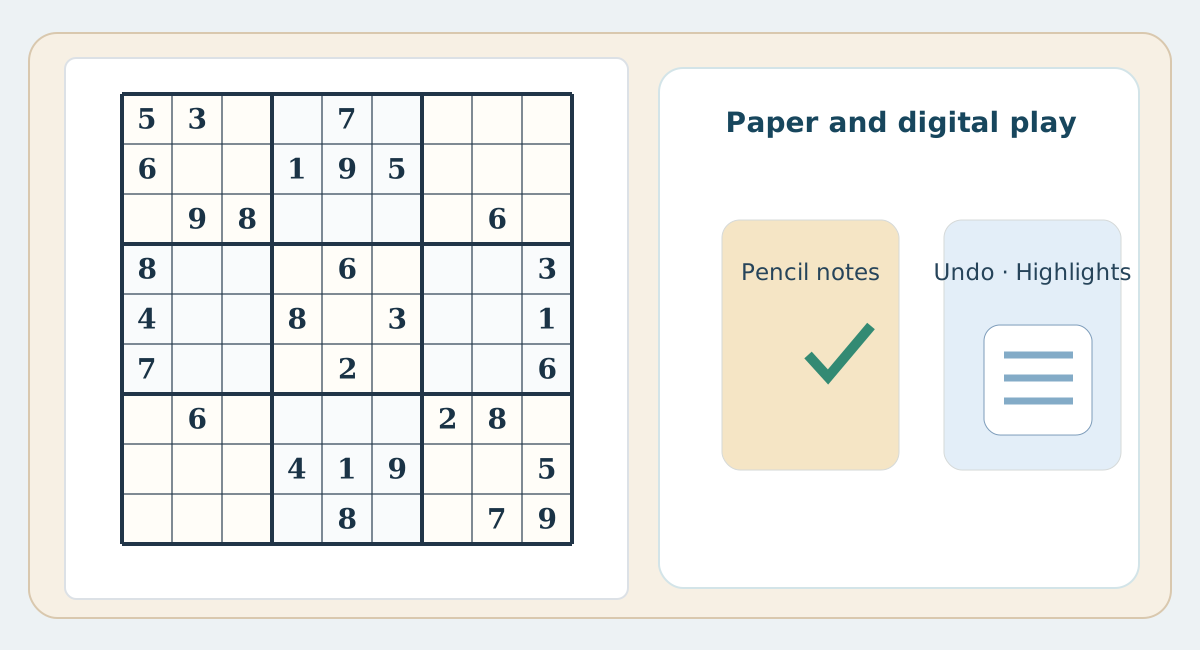
A browser can offer immediate play and may provide candidate mode, undo or difficulty settings. A printed page presents fixed clues and makes you record every move yourself. The existence of a screen does not change the underlying Sudoku rules.
Digital highlights versus manual tracing
A browser may highlight the selected row or column, making peer cells easier to locate. On paper you can use a finger, ruler or a light line. A visual aid locates related cells but does not prove which digit belongs in a cell.
Good printing is not a screenshot
A good printed Sudoku sheet should have a large balanced grid and short instructions, without page navigation, ads or side panels. This course uses separate print-only sheets; hidden answers do not appear on the practice handout.
Combine the strengths
Solve a printed puzzle first, recording short explanations in the margin. Then use a digital version if useful to review difficult positions. Use validation as a learning aid rather than a trial-and-error answer generator.
Practical comparison table
| Aspect | Paper | Phone / web |
|---|---|---|
| Candidates | Pencil and eraser | Note mode, sometimes automated |
| Undo | Erase and check reasoning | Undo button if available |
| Peers | Trace row, column and box | May highlight peers |
| Errors | Check manually | Alerts vary by settings |
| Offline | No connection required | May work offline depending on app |
| Reasoning | Margin notes in pencil | Digital notes |
| Printing | A spacious paper worksheet | Requires print-friendly layout |