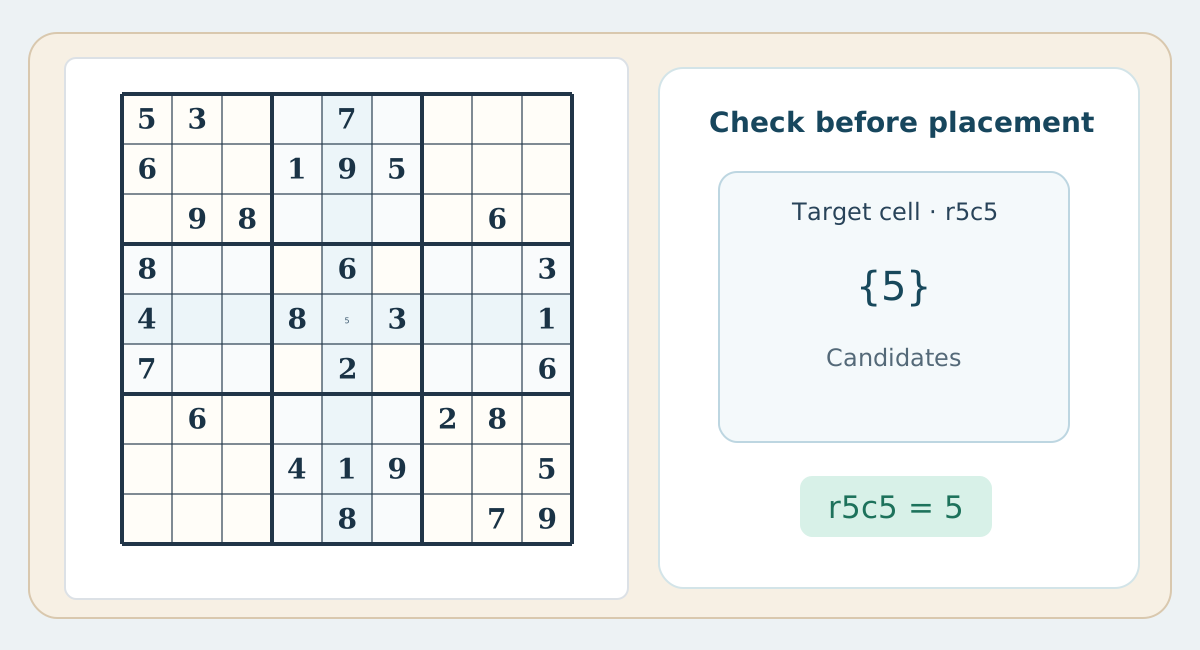
An error may not be immediately obvious
On paper, an unjustified placement may not immediately duplicate a visible digit but can still derail the later solution. Record the logical reason for a placement rather than treating the absence of an immediate duplicate as proof.
Kinds of digital error feedback
A digital game might warn about a duplicate in a row, column or box, or it might compare an entry against the completed solution. Those are different kinds of feedback. Know which one is enabled before relying on it.
Manual check routine
After placing a digit, inspect its row, then column, then box, and verify the move followed a justified single or elimination. If a conflict appears, review the latest step affecting the same unit rather than clearing all notes.
Using alerts for learning
Work through a printed exercise without digital feedback, then compare the result when finished. Trying digits until an alert disappears is a form of trial and error, not the same as learning deduction.
Practical comparison table
| Aspect | Paper | Phone / web |
|---|---|---|
| Candidates | Pencil and eraser | Note mode, sometimes automated |
| Undo | Erase and check reasoning | Undo button if available |
| Peers | Trace row, column and box | May highlight peers |
| Errors | Check manually | Alerts vary by settings |
| Offline | No connection required | May work offline depending on app |
| Reasoning | Margin notes in pencil | Digital notes |
| Printing | A spacious paper worksheet | Requires print-friendly layout |